1. Go to this web www.melon.com

2. Click the one highlighted (on the upper right corner).
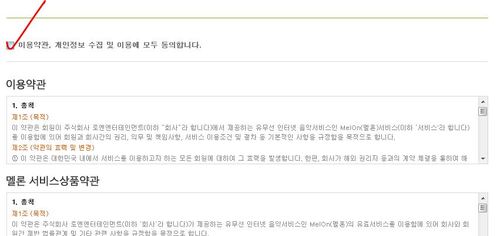
3. Tick the box
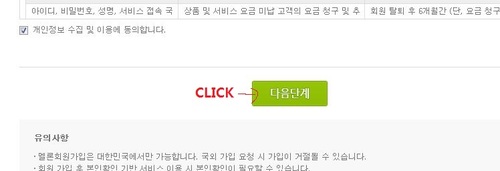
4. Click
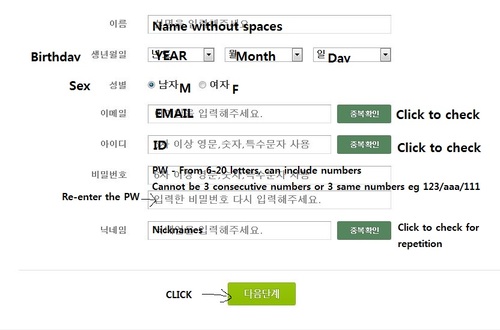
5.complete the following
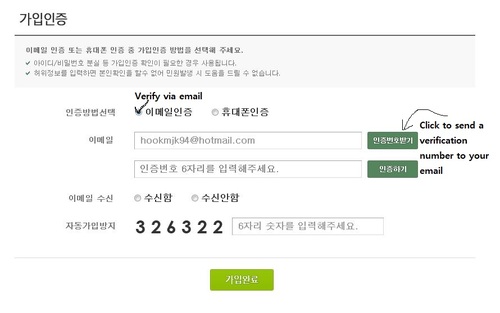
6. Do as so and log in to your email account

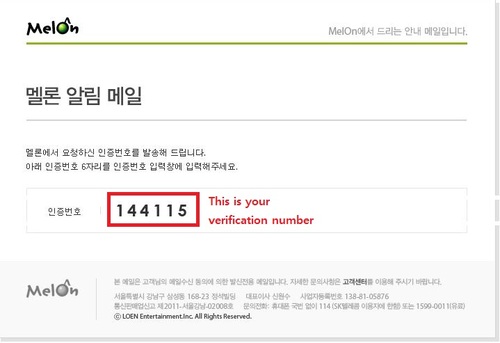
7. You will have received an email like this.
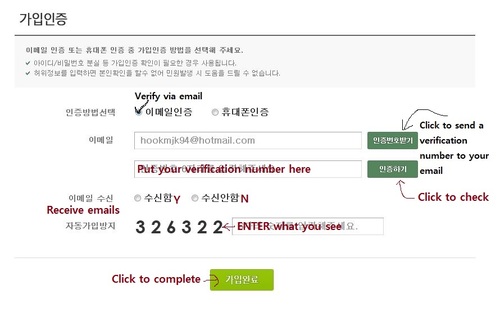
8. Complete the following
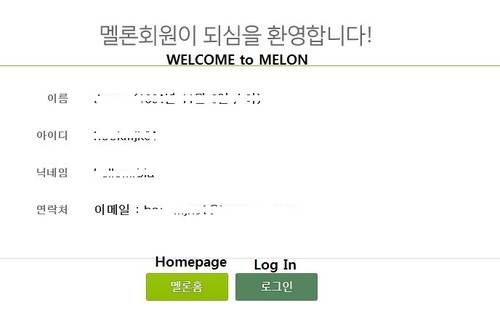
9. You are now a member of Melon. Click Log In and log in to your account.
10. Go to this link to vote for Kang Seung Yoon >> http://www.melon.com/svc/awards/2013/vote/award_vote_second.jsp?voteType=SK

Tick the box beside Kang Seung Yoon’s picture and click the button on the right to vote
Tutorial by daradarasuru21@tumblr
Revisions made by Jaybee@WLSY
 WLSY
WLSY 